

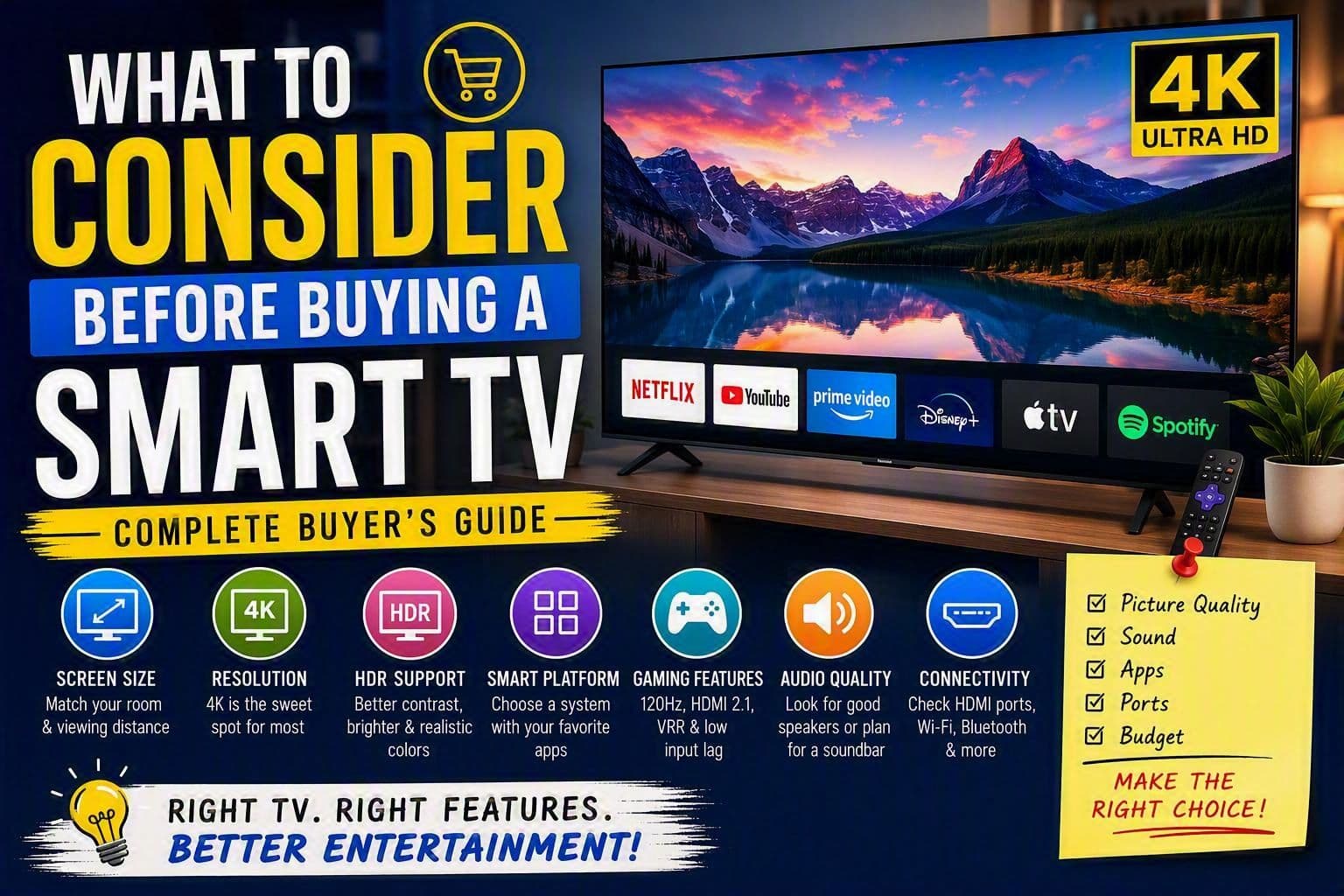
What to Consider Before Buying a Smart TV: A Complete Guide
Buying a Smart TV is no longer as simple as choosing the biggest screen within your budget. Modern televisions come with different display technologies, smart platforms, gaming features, audio capabilities, and connectivity options. Making the right choice requires understanding how you plan to use the TV and which features truly matter.
In this guide, we'll walk through the most important factors to consider before purchasing a Smart TV.
1. Determine the Right Screen Size
One of the first decisions you'll make is screen size. While larger screens offer a more immersive viewing experience, they also require sufficient viewing distance.
Recommended Viewing Distances
| TV Size | Ideal Viewing Distance |
| 43-inch | 1.2 - 1.8 meters |
| 50-inch | 1.5 - 2.1 meters |
| 55-inch | 1.7 - 2.4 meters |
| 65-inch | 2.0 - 2.7 meters |
| 75-inch | 2.3 - 3.2 meters |
Before buying, measure your room and consider where viewers will sit. A TV that is too large may feel overwhelming, while a screen that is too small may not provide the best cinematic experience.
2. Choose the Right Resolution
Resolution determines the sharpness and detail of the image.
Full HD (1080p)
- Suitable for smaller TVs.
- Generally more affordable.
- Becoming less common in premium models.
4K Ultra HD
- Currently the standard choice.
- Offers four times the pixels of Full HD.
- Supports high-quality streaming content from Netflix, YouTube, Disney+, and Amazon Prime Video.
8K
- Extremely sharp image quality.
- Limited content availability.
- Typically expensive and unnecessary for most buyers.
Recommendation: A 4K TV offers the best balance between quality, content availability, and price.
3. Understand Display Technologies
Not all screens are built the same. The display panel greatly impacts picture quality.
LED TV
- Affordable.
- Good brightness levels.
- Suitable for everyday viewing.
QLED TV
- Enhanced color and brightness.
- Better for bright rooms.
- Often available from brands like Samsung and TCL.
OLED TV
- Perfect black levels.
- Exceptional contrast and color accuracy.
- Excellent for movies and premium viewing experiences.
- More expensive than LED TVs.
Mini-LED TV
- Improved brightness and contrast.
- Offers many OLED-like benefits without OLED pricing.
Best Choice: OLED for premium quality, QLED or Mini-LED for bright rooms, and LED for budget-conscious buyers.
4. Evaluate Smart TV Operating Systems
The operating system determines how easily you can access apps and streaming services.
Android TV / Google TV
- Large app selection.
- Google Assistant integration.
- Chromecast support.
Tizen OS (Samsung)
- Smooth interface.
- Fast performance.
- Excellent app support.
webOS (LG)
- User-friendly.
- Easy navigation.
- Strong streaming capabilities.
Roku TV
- Simple and beginner-friendly.
- Excellent content discovery.
Choose a platform that supports the streaming services you use most frequently.
5. Check HDR Support
HDR (High Dynamic Range) improves contrast, brightness, and colors.
Common HDR formats include:
- HDR10
- HDR10+
- Dolby Vision
- HLG
For the best experience, look for TVs that support Dolby Vision and HDR10+ when possible.
Benefits include:
- Brighter highlights
- Deeper blacks
- More realistic colors
- Better movie and gaming experiences
6. Consider Refresh Rate
Refresh rate affects motion smoothness.
60Hz
- Suitable for regular TV viewing.
- Works well for most casual users.
120Hz
- Better for sports.
- Ideal for gaming.
- Smoother motion handling.
Gamers and sports fans should prioritize a 120Hz panel whenever possible.
7. Look at Gaming Features
If you play games on a PlayStation, Xbox, or gaming PC, certain features become important.
Look for:
HDMI 2.1
Supports:
- 4K at 120Hz
- Faster data transfer
- Better gaming performance
Variable Refresh Rate (VRR)
Reduces screen tearing.
Auto Low Latency Mode (ALLM)
Automatically switches the TV into gaming mode.
Low Input Lag
Ensures faster response times.
Modern gamers should strongly consider TVs with HDMI 2.1 and 120Hz support.
8. Pay Attention to Audio Quality
Many ultra-thin TVs prioritize slim designs over powerful speakers.
When evaluating sound quality, consider:
- Speaker wattage
- Dolby Atmos support
- Built-in subwoofers
- AI sound enhancement technologies
Even a premium TV may benefit from a dedicated soundbar or home theater system.
9. Review Connectivity Options
A Smart TV should have enough ports for your current and future devices.
Essential Ports
- HDMI ports (at least 3 or 4)
- HDMI eARC for soundbars
- USB ports
- Ethernet port
- Bluetooth
- Wi-Fi support
If you connect gaming consoles, streaming devices, and audio systems, additional ports can save a lot of hassle later.
10. Check App Availability
Not all Smart TVs support the same applications.
Verify compatibility with:
- Netflix
- YouTube
- Disney+
- Amazon Prime Video
- Hulu
- Spotify
- Apple TV+
- Local streaming services
A great display means little if your favorite apps aren't supported.
11. Consider Energy Efficiency
TVs often remain powered for several hours every day. Choosing an energy-efficient model can lower electricity costs over time.
Look for:
- Energy efficiency ratings
- Eco modes
- Automatic brightness adjustment
Although premium models may cost more initially, lower power consumption can reduce long-term expenses.
12. Compare Brands and Warranty Coverage
Popular Smart TV brands include:
- Samsung
- LG
- Sony
- TCL
- Hisense
- Philips
- Panasonic
Research:
- Warranty duration
- Customer support quality
- Software update policies
- Repair availability in your area
A reliable warranty can be just as important as the TV's specifications.
13. Set a Realistic Budget
Smart TVs are available at nearly every price point.
Entry-Level ($200-$500)
- Full HD or basic 4K
- LED panels
- Essential smart features
Mid-Range ($500-$1,200)
- Better picture quality
- HDR support
- Improved processors
Premium ($1,200+)
- OLED or Mini-LED
- Advanced gaming features
- High-end processing and audio
Focus on features you will actually use rather than paying extra for specifications that won't improve your viewing experience.
Final Thoughts
A Smart TV is an investment that can last many years, so it pays to do thorough research before making a purchase. Consider your room size, preferred content, gaming needs, display technology, smart platform, connectivity requirements, and budget before deciding.
For most buyers, a 55-inch or 65-inch 4K Smart TV with HDR support, a reliable operating system, and at least three HDMI ports offers the best combination of performance, future-proofing, and value. By understanding your needs and comparing the available options carefully, you'll be able to find a Smart TV that delivers an outstanding entertainment experience for years to come.