

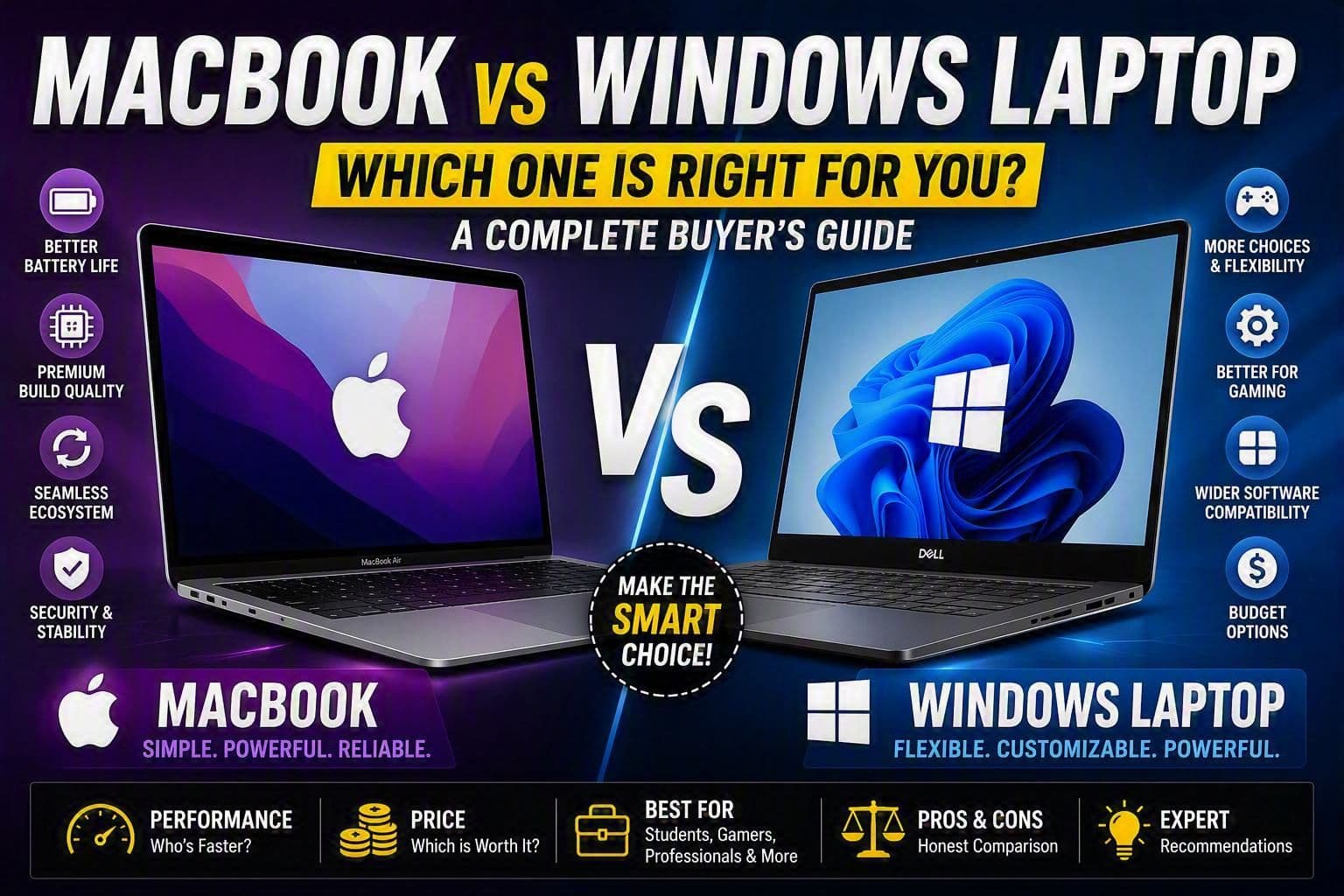
MacBook vs Windows Laptop: Which One Should You Choose?
Choosing between a MacBook and a Windows laptop is one of the biggest decisions you'll make when buying a computer. Both platforms are excellent, but they serve different types of users. The best choice isn't about which one is "better." It's about which one fits your work, budget, software requirements, and personal preferences.
If you're shopping for a new laptop and can't decide between macOS and Windows, this guide will help you understand the strengths, weaknesses, and ideal use cases for each.
The Short Answer
If you want the simplest recommendation:
- Choose a MacBook if you value battery life, build quality, reliability, and work primarily within the Apple ecosystem.
- Choose a Windows laptop if you want flexibility, gaming support, upgradeability, specialized software compatibility, or more options at different price points.
However, the real answer depends on how you'll use the laptop.
Understanding the Biggest Difference
Before comparing specifications, it's important to understand the philosophy behind each platform.
MacBook
Apple designs both the hardware and the operating system.
This means:
- Hardware and software are optimized together.
- Performance is usually very efficient.
- The overall experience tends to feel polished and consistent.
Windows Laptop
Microsoft develops Windows, but laptops are made by many manufacturers such as:
- Dell
- Lenovo
- HP
- ASUS
- Acer
- MSI
- Samsung
This creates much more variety but also more inconsistency between devices.
Build Quality and Design
One reason many professionals choose MacBooks is their premium build quality.
Modern MacBooks feature:
- Aluminum construction
- Excellent trackpads
- High-quality displays
- Sturdy hinges
- Premium feel
Even after several years, many MacBooks still feel modern.
Windows laptops vary significantly.
You'll find:
- Budget plastic models
- Thin ultrabooks
- Business laptops
- Gaming laptops
- Workstations
A high-end Dell XPS or Lenovo ThinkPad can rival or exceed a MacBook's quality, but cheaper Windows devices often don't.
Choose MacBook If
You want a consistently premium laptop experience.
Choose Windows If
You want more hardware choices and price flexibility.
Performance
Performance depends heavily on the specific laptop you're comparing.
MacBooks
Apple Silicon chips (M-series processors) are known for:
- Excellent efficiency
- Fast performance
- Quiet operation
- Minimal heat generation
- Strong battery life
For everyday tasks such as:
- Web browsing
- Programming
- Office work
- Video editing
- Content creation
MacBooks perform extremely well.
Windows Laptops
Windows laptops range from entry-level processors to powerful workstation CPUs and GPUs.
This means you can buy:
- A $400 budget laptop
- A $4,000 engineering workstation
The performance range is much broader.
Choose MacBook If
You want strong performance without worrying about hardware configurations.
Choose Windows If
You need specialized hardware or maximum performance customization.
Battery Life
Battery life is one of Apple's biggest advantages.
Modern MacBooks regularly achieve:
- Full workdays on a single charge
- Excellent standby time
- Consistent performance while unplugged
Many Windows laptops have improved significantly, but overall, MacBooks still tend to lead in battery efficiency.
Example
A student attending lectures all day may only need to charge a MacBook once daily, while some Windows laptops may require charging during the day depending on usage.
Winner
MacBook
Software Compatibility
This is where many buying decisions are made.
MacBook Works Best For
- iOS development
- Video editing
- Content creation
- Graphic design
- Photography
- General programming
Common applications include:
- Final Cut Pro
- Logic Pro
- Xcode
- Adobe Creative Cloud
- VS Code
Important Note
If you want to develop iPhone or iPad apps, you need a Mac because Xcode only runs on macOS.
Windows Works Best For
- Engineering software
- CAD applications
- Enterprise software
- Business tools
- Gaming
- Specialized industry applications
Examples include:
- SolidWorks
- AutoCAD
- Revit
- Many enterprise applications
- Legacy software
Windows generally offers broader software compatibility.
Programming and Development
Many developers ask:
Should programmers buy a MacBook or Windows laptop?
The answer depends on what they're building.
MacBook Is Great For
- Web development
- Mobile app development
- Python
- JavaScript
- React
- AI development
- Backend development
Many developers appreciate the Unix-based environment of macOS.
Windows Is Great For
- .NET development
- Enterprise development
- Game development
- Software requiring Windows tools
For Computer Science Students
Either platform works well.
Choose based on:
- Budget
- Software requirements
- Personal preference
Gaming
This is one of the clearest differences.
MacBook Gaming
Mac gaming has improved in recent years, but it's still limited compared to Windows.
Many popular games either:
- Aren't available on macOS
- Run better on Windows
Windows Gaming
Windows remains the dominant gaming platform.
Benefits include:
- Broad game support
- Dedicated graphics cards
- Better optimization
- Gaming-focused hardware
Choose Windows If
Gaming is a major priority.
Winner
Windows
Student Use
Many students struggle to decide between the two.
MacBook Is Ideal For
- Business students
- Computer science students
- Content creators
- General university work
Advantages:
- Long battery life
- Reliability
- Lightweight design
- Excellent trackpad
Windows Is Ideal For
- Engineering students
- Architecture students
- Students requiring specific software
Always check your program's software requirements before buying.
Content Creation
For creators, both platforms are excellent.
MacBook Strengths
- Video editing
- Audio production
- Photo editing
- Color accuracy
- Creative workflows
Windows Strengths
- Powerful hardware options
- Higher-end GPUs
- Complex rendering workloads
- Specialized creator workstations
Most creators will be happy with either platform.
Upgradeability
MacBooks are generally not upgradeable after purchase.
You must decide upfront how much:
- RAM
- Storage
you need.
Windows laptops often provide:
- Storage upgrades
- RAM upgrades
- Easier repairs
Winner
Windows
Price and Value
This is another important factor.
MacBooks
Typically start at a higher price.
However, they often offer:
- Better resale value
- Longer software support
- Strong longevity
Windows Laptops
Available at nearly every budget.
You can find:
- Budget models under $500
- Mid-range laptops around $800-$1,200
- Premium devices above $2,000
Windows offers far more flexibility in pricing.
Which Laptop Is Best for Different Users?
Students
MacBook Air for most students.
Choose Windows only if required software demands it.
Programmers
MacBook for:
- Web development
- Mobile development
- AI learning
Windows for:
- .NET development
- Game development
- Specialized enterprise work
Gamers
Windows laptop.
Video Editors
MacBook Pro or high-end Windows workstation.
Engineers
Windows laptop.
Business Professionals
Either platform works well, but MacBook often wins on battery life and portability.
Casual Users
Choose the platform you feel most comfortable using.
When Should You Choose a MacBook?
A MacBook is likely the better choice if:
- You own an iPhone
- Battery life matters
- You travel frequently
- You want a premium laptop
- You develop iOS apps
- You value simplicity and reliability
When Should You Choose a Windows Laptop?
A Windows laptop is likely the better choice if:
- You play games
- You need engineering software
- You want more hardware options
- You need upgradeability
- You're working within a tighter budget
- You require specialized business applications
Final Verdict
There is no universal winner in the MacBook vs Windows debate.
For most users who prioritize portability, battery life, reliability, and a polished experience, a MacBook is often the better choice. That's why it's particularly popular among students, developers, writers, and content creators.
However, if you need maximum flexibility, gaming support, specialized software, hardware customization, or a wider range of prices, a Windows laptop is usually the smarter option.
The best laptop is the one that supports the way you work. Before making a decision, think about the software you'll use, your budget, whether gaming matters to you, and how important battery life and portability are. Those factors will usually point you toward the right choice.